User Interface Guide
This guide covers the ZnDraw web interface features that complement the Python API.
Rooms Management
ZnDraw supports multiple visualization rooms. Each room is an independent workspace.
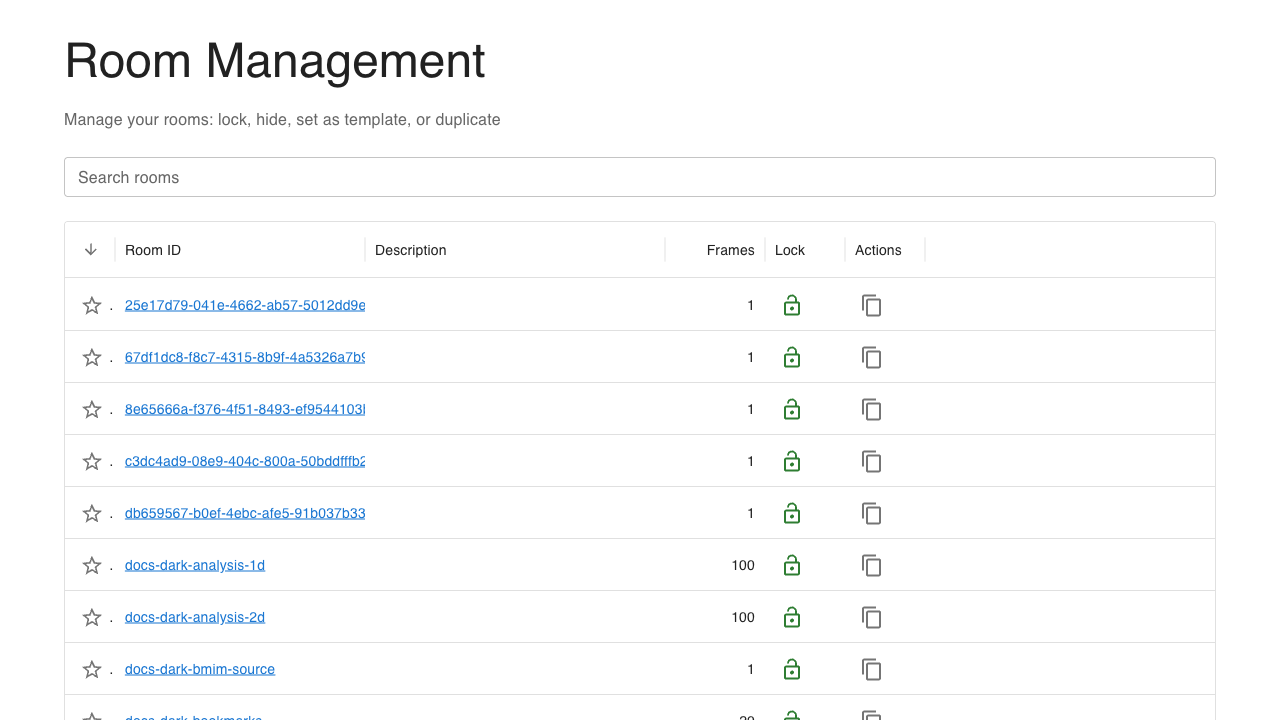
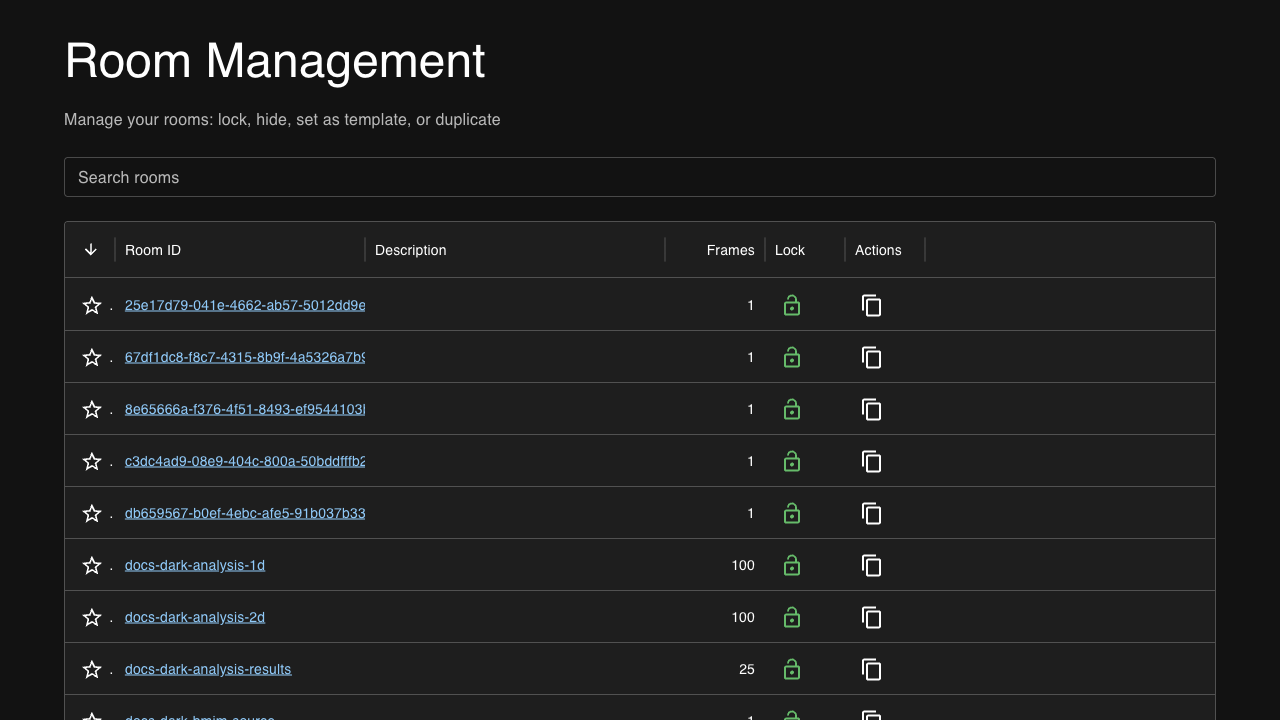
Access the rooms page at /rooms to:
View all active rooms
See frame counts per room
Create new rooms
Navigate between workspaces
File Browser
When started with --file-browser, ZnDraw provides a file browser interface.
$ zndraw --file-browser --file-browser-root /path/to/data
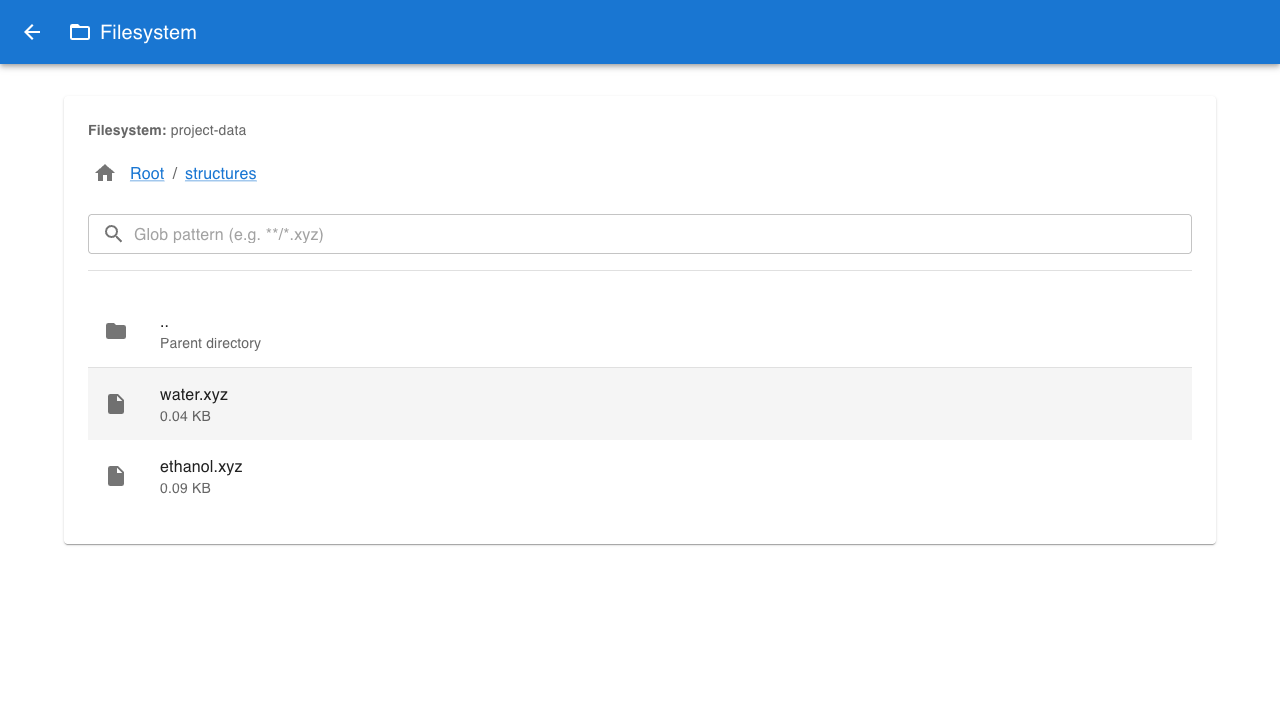
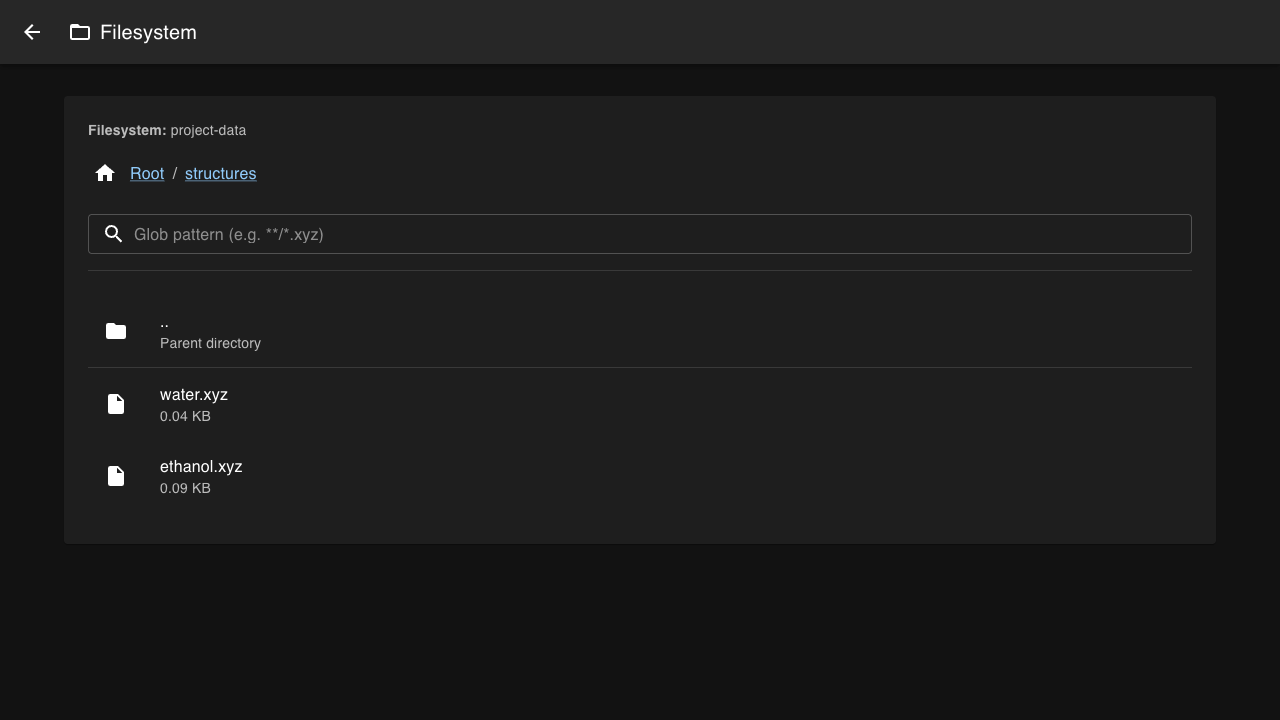
The file browser allows you to:
Navigate directories
Load trajectory files directly
Access remote data
Theme Support
ZnDraw supports both light and dark themes. Toggle between themes using the theme button in the interface. The theme preference is persisted across sessions.
All UI components including Plotly figures automatically adapt to the selected theme.